Baconit
Reddit, with a Windows Phone twist. A swipe, a sync, and the occasional April Fools surprise.
Facts
| Created | Status | Code | Subreddit |
|---|---|---|---|
| 2011 | Retired | GitHub | Subreddit |
The story
I built Baconit as a full-featured Reddit app for Windows Phone, and it held the Windows Phone Store’s top rating for a long time. It had a Metro interface, Flip View, BaconSync, and a fast Markdown renderer.
The original Windows, Windows Phone, and Xbox releases are no longer maintained, but community versions carry on. NLogDEV’s Baconit Extended, for example, adds Reddit galleries, newer video and GIF playback, and fixes for older Windows Phone devices.
Key Features
Flip View
Flip View made Baconit the first Reddit app with horizontal, one-post-at-a-time browsing. Open any subreddit, swipe through full-screen posts, and jump straight to the comments.

BaconSync, live tiles & the Markdown engine
BaconSync
BaconSync kept visited Reddit links in sync across desktop browsers and phones, for free, so you could instantly see what you’d already read. It also sent a web page straight from the browser to Baconit.
I made the official Chrome extension, Pradeek J. made the Firefox one, and Ivan Kiselovs made the Opera one, as the original BaconSync page credits. Other extension and Reddit-app developers were invited to plug in through its API.
Smart Bar, Subscriptions & Live Tiles
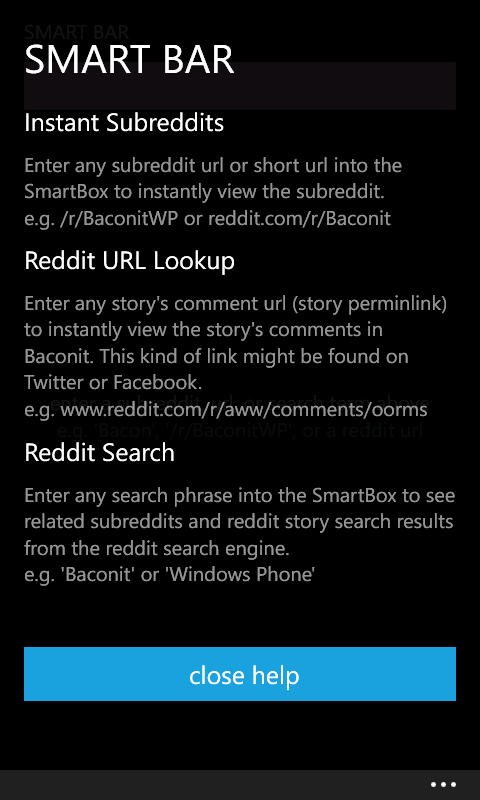
The Smart Bar took a subreddit name, Reddit URL, or search term. Subscriptions could stay on the phone or sync to a Reddit account. You could pin the app, a subreddit, or a single story to Start, with custom tile images and info. First-use hints explained the touch targets and gestures. The February 2012 review of version 1.5 covers all of these.
My version 1.6 announcement also lists an auto-updating inbox, unread-message and karma tiles, endless subreddit scrolling, image submissions, saved and hidden stories, and live formatting previews for posts.
Microsoft Band
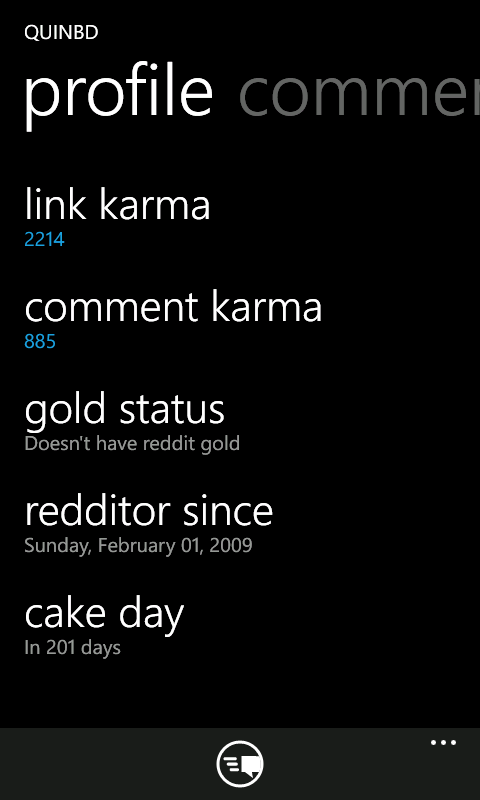
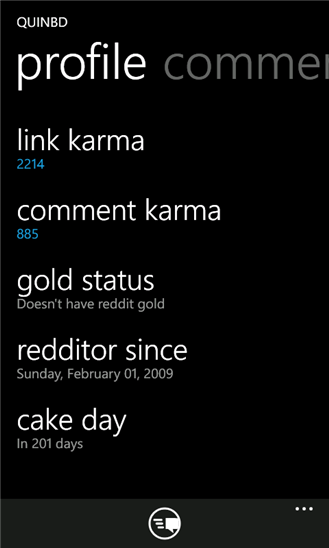
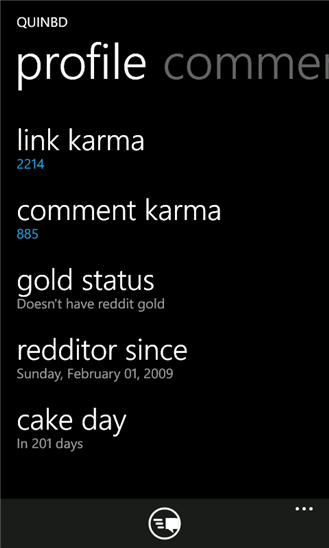
Version 4.3 brought Reddit to the Microsoft Band’s wallpaper, using pictures from a chosen subreddit. It also added profiles with karma, account anniversaries, Reddit Gold status, and sortable post and comment histories. Windows Central’s December 2015 report has the full release notes.
Universal Markdown
When I built Baconit, XAML apps had no Markdown renderer. Reddit comments needed one, so I wrote Universal Markdown, an efficient parser and renderer. Every comment used its control inside a virtualized list, so performance really mattered.
The Windows Community Toolkit team later asked to include Universal Markdown. I was happy to contribute it.
Markdown in the Windows Community Toolkit
The Windows 10 rewrite added a full-screen editor, Markdown helpers, and live previews for posts, comments, and messages. In the January 2016 version 4.7 announcement, I explained how previews adapted to device speed: slower phones waited for a typing pause so long posts would not slow the keyboard.
April Fools
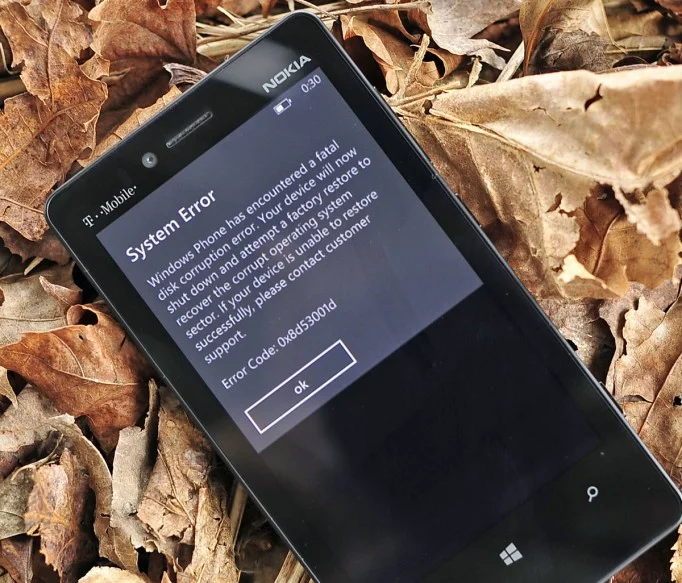
On April 1st, Baconit staged a convincing Windows Phone shutdown and reboot, complete with a “failed bootloader.” The fake screens matched the OS exactly. The app then revealed the joke on screen. A little mischief, with no actual reboot.
Awards
Baconit won People’s Choice in Microsoft’s Big App on Campus competition for college students, sending Marilyn and me to South by Southwest in Austin, Texas. According to my April 2012 portfolio, I spent about three months building it before entering, and it made it through three voting rounds to take the most votes in the free-app division. The prize included the SXSW Music 2012 trip and a cash award.
Baconit also won 2012 App of the Year in the Community App Awards for Windows Phone, as my November 2012 product page notes.
Versions, community & life on Xbox
Major Versions
- 1.0 for Windows Phone 7.5: Original C# Silverlight version
- 2.0: A Windows Phone 7.5 (Mango) release, already shown on the May 2012 product page
- 2.5: Windows Phone 8 support, shown in the November 2012 walkthrough
- 3.0: A big update for Windows Phone 8
- 4.0 Windows 10 (Universal Windows Platform): Final rewrite as a Universal Windows App running on Windows 10, Windows Phone, HoloLens, and Xbox
Community & Development
The free and donation editions started out with the same features. When version 3.0 arrived in April 2014, both stayed ad-free, and donation users also got an Early Access app to try upcoming changes. That release also added an option to hide stories you'd already read. Windows Central’s version 3.0 coverage has the details.
On Xbox One, the PC interface gained a controller-operated pointer: left stick to move, right stick to scroll, triggers to zoom. Replies, system notifications, GIFs, YouTube, galleries, and the in-app browser all worked. By my count at the time, it took just three code changes and a few manifest changes, since 99% of the code was shared across phone, tablet, desktop, HoloLens, and Xbox. The July 2016 hands-on also points out the preview’s rough edges: the image-saving and clipboard commands showed up but didn't work on the console.
Baconit even made it to Everest Base Camp. In May 2012, Windows Central reported that student Minesh Mandalia used it on the Lumia 800 he took on the trip. The article includes his photographs.
Press coverage & video reviews
Press
Videos
Windows Central - Baconit Review
YouTube SourceWMPoweruser.com - WP7 App Review: Baconit
YouTube SourceWindows Central - Baconit for Windows Phone 8
YouTube SourceArticles
- Microsoft Student blog - Meet Microsoft Developer Quinn Damerell
- Microsoft Devices Blog - Quinn Damerell: App developer bringing home the Baconit
- WinSource - WinSource Interview: Quinn Damerell of Baconit
- Windows Phone Blog - Crowning the "Big App on Campus": Meet 4 fantastic student-made apps
- Windows Central - Baconit for Reddit gets rewritten as a stunning universal Windows 10 app
- Windows Central - Baconit arrives on Xbox One Preview, bringing dank Reddit memes to your console
- On MSFT - Baconit app gets a bunch of new features in major update
- Windows Central - Reddit users, your Baconit is here
Store Listing
- Microsoft — Baconit on the Windows Phone Marketplace. The March 2, 2012 listing for version 1.7.0.0, with screenshot thumbnails, early reviews, and a history of other recovered captures.
Original demos & release videos
Videos
Baconit Update 4.2.0
Baconit Update 4.1.12
Baconit Update 2.1
Baconit Update 1.6
BaconSync Announcement
April Fools Joke
Early screenshots from my project backup
Early visual history
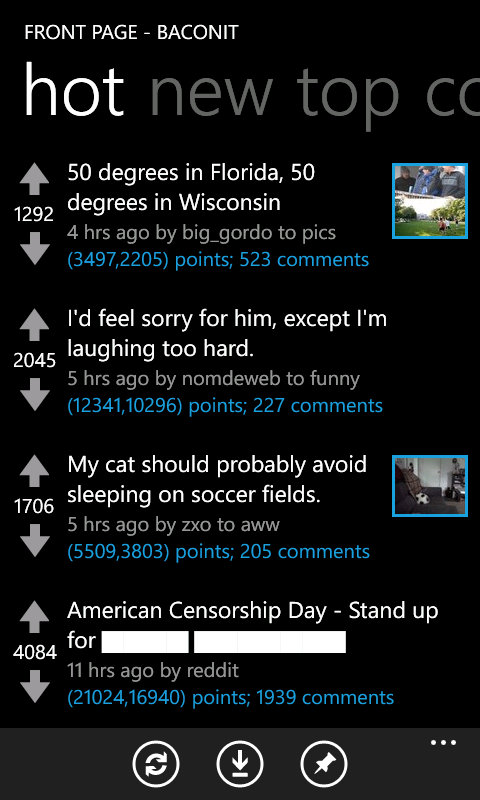
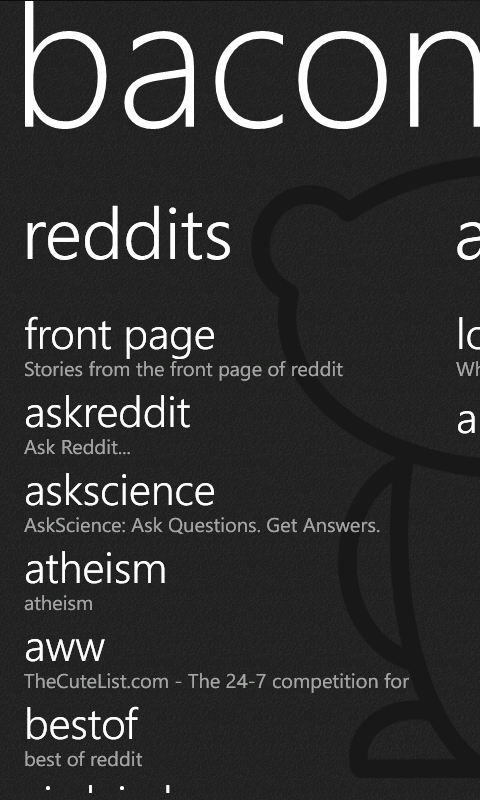
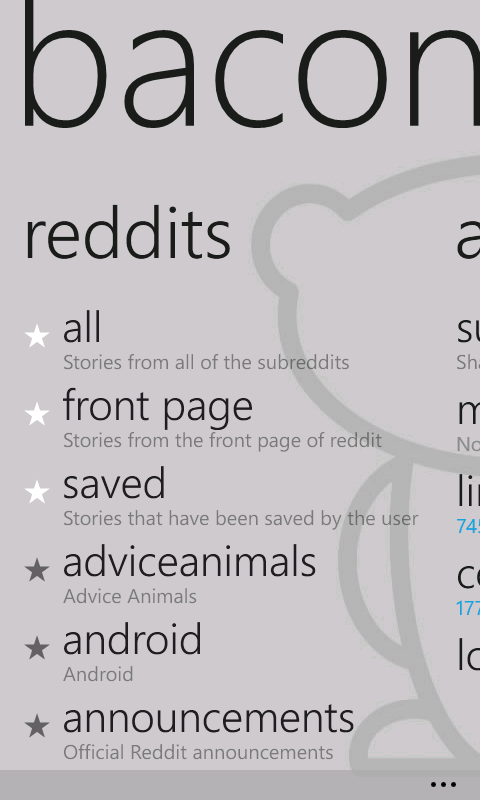
My old project backup filled in some fun gaps between the release galleries: the oversized home-screen title, a light theme, Smart Bar help, and early image and profile views. I've labeled these six originals with the version folder I found them in, which doesn't necessarily tell us exactly when they were taken or when each feature first appeared.
Versions 1.2–1.4
The front page from 1.2, the subreddit home from 1.3, and the light theme from 1.4:
Versions 1.5–2.4
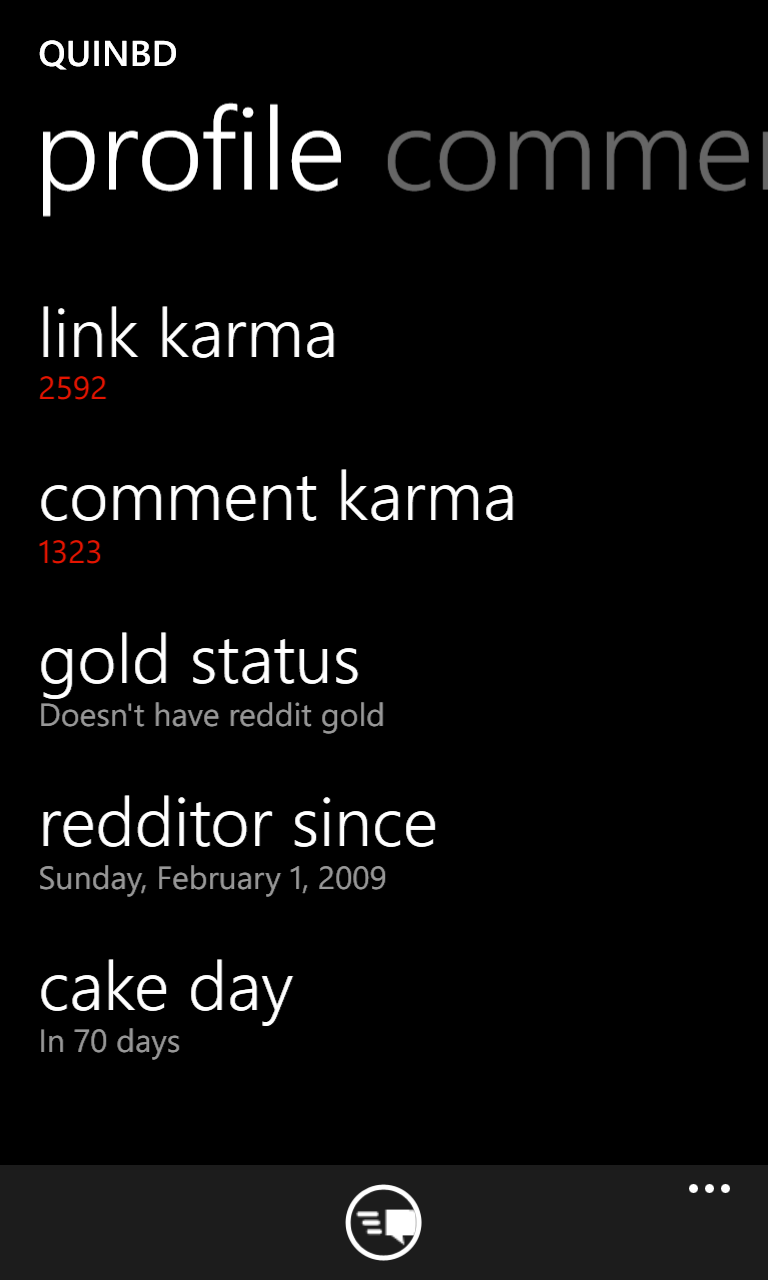
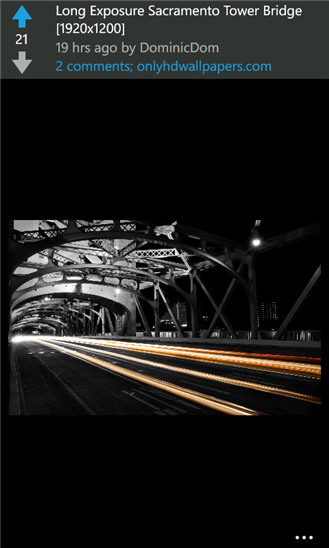
Smart Bar help from 1.5, the image viewer from 1.8, and my Reddit profile from the 2.3 and 2.4 folders. Those last two folders had identical screenshots, so the profile view only appears once.

Baconit 2.5: all eight original screenshots
Original 2.5 screenshot set
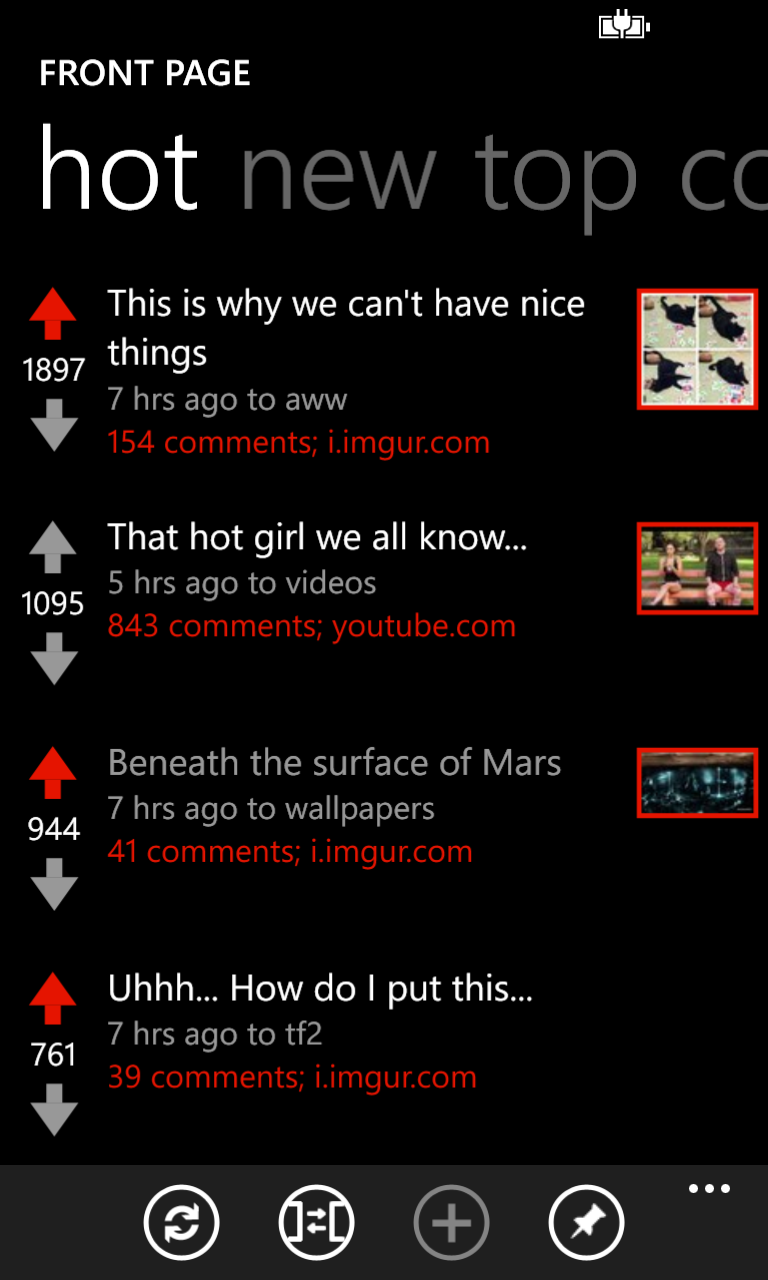
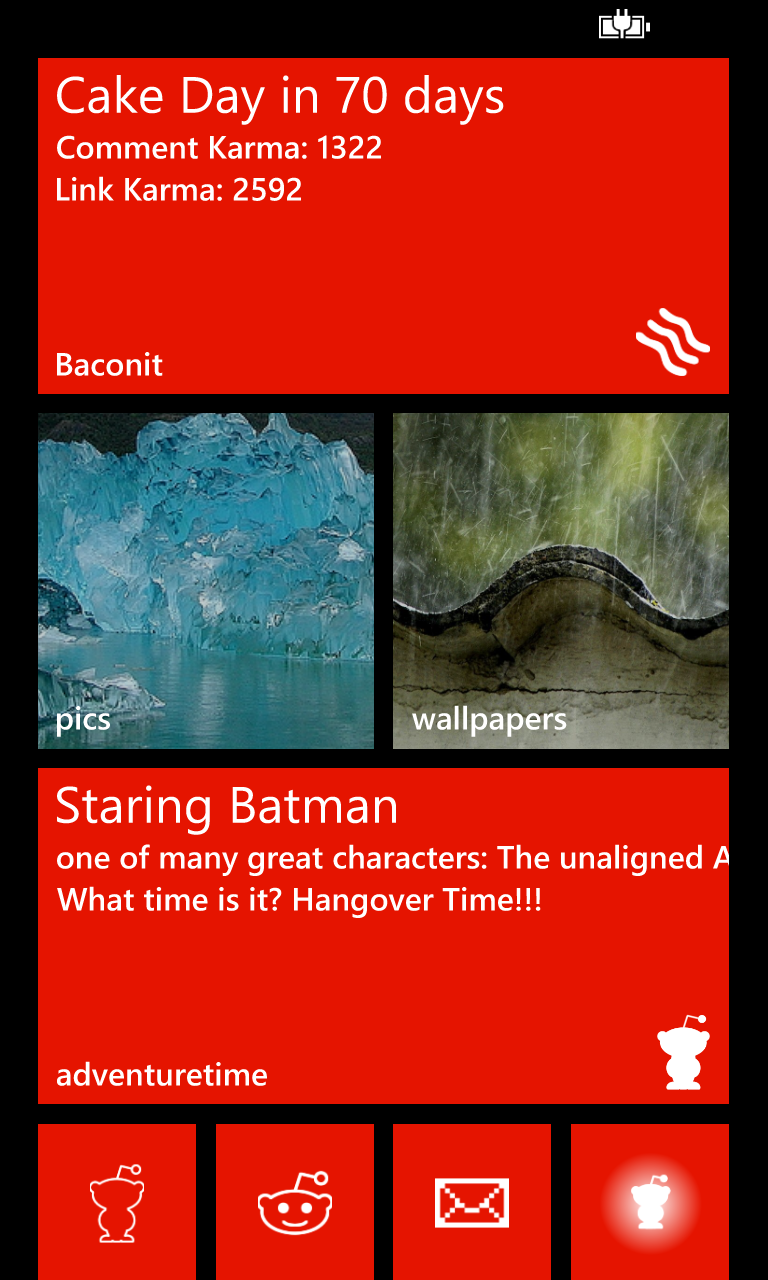
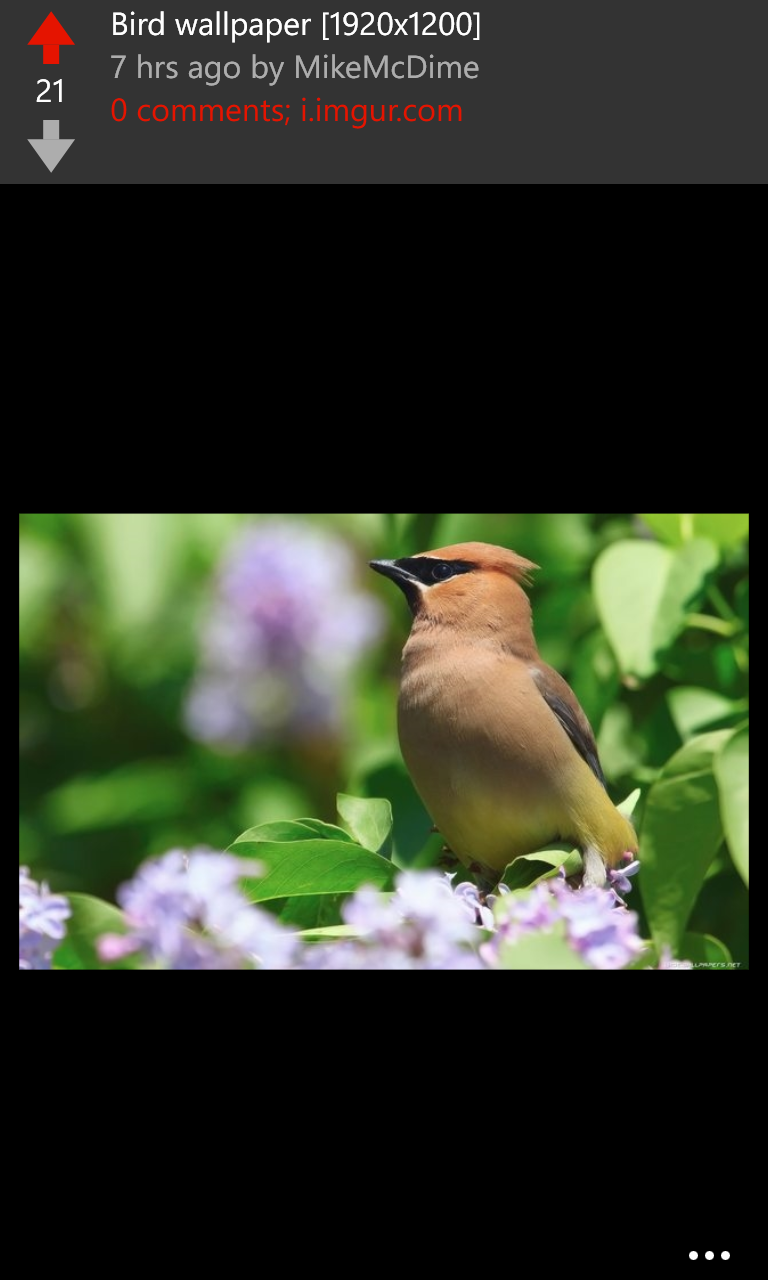
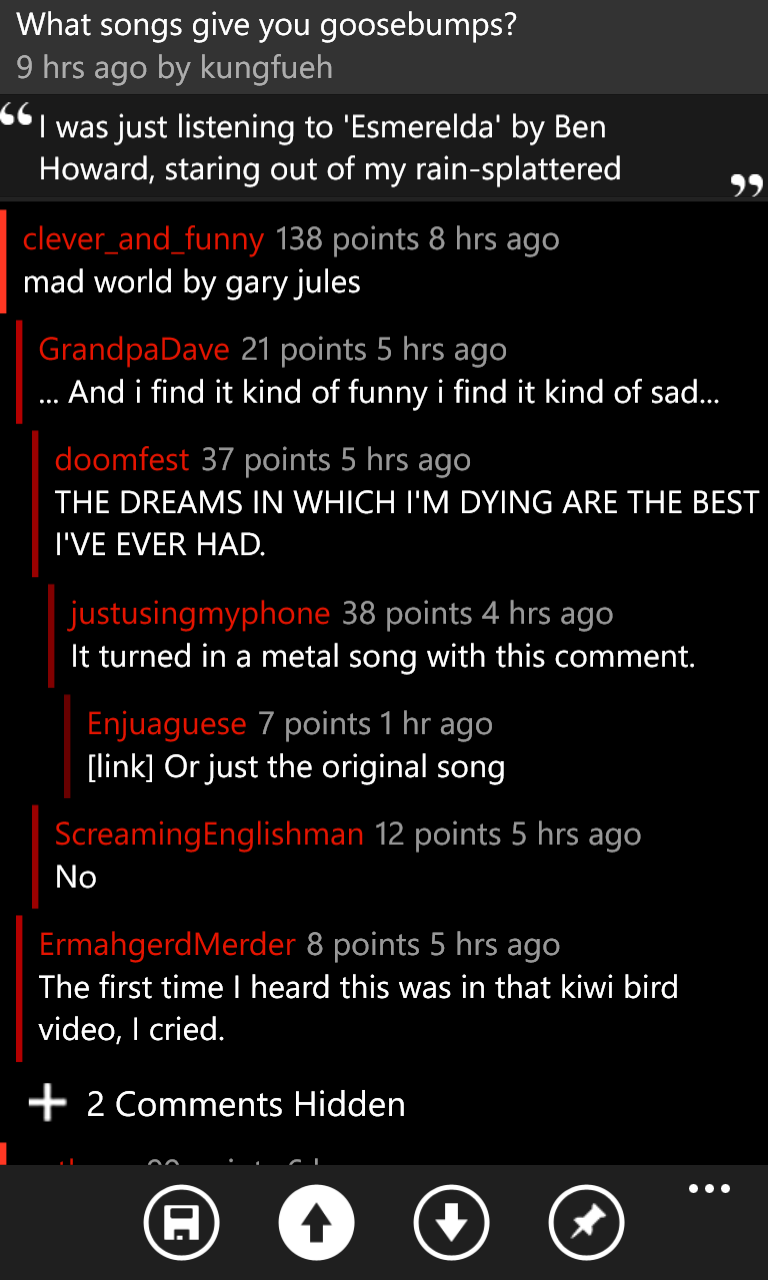
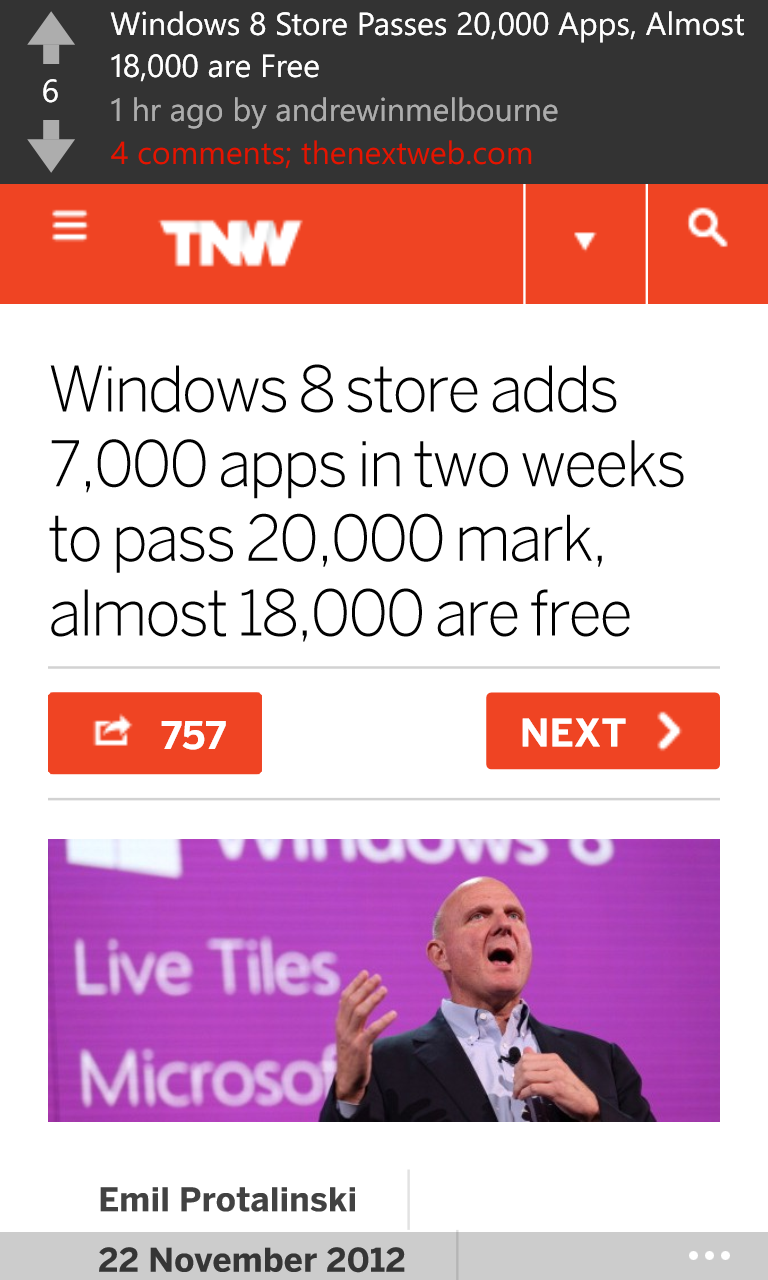
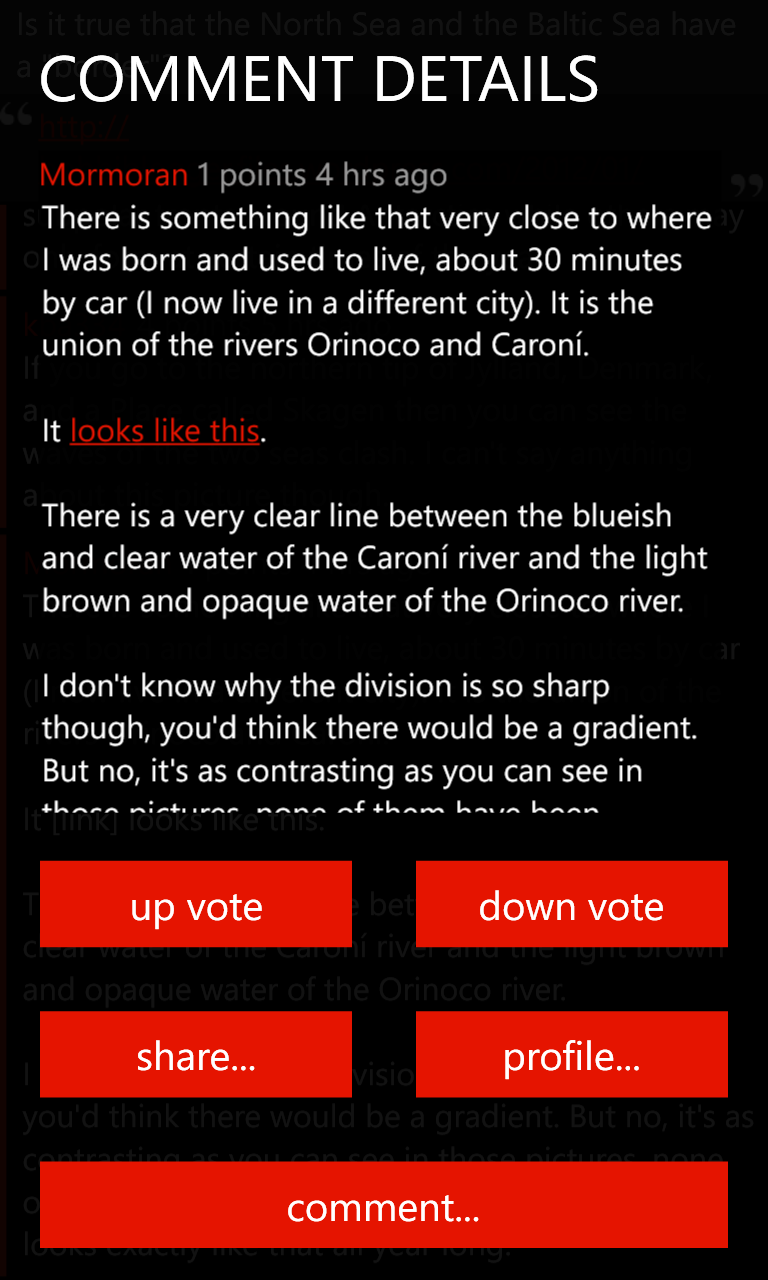
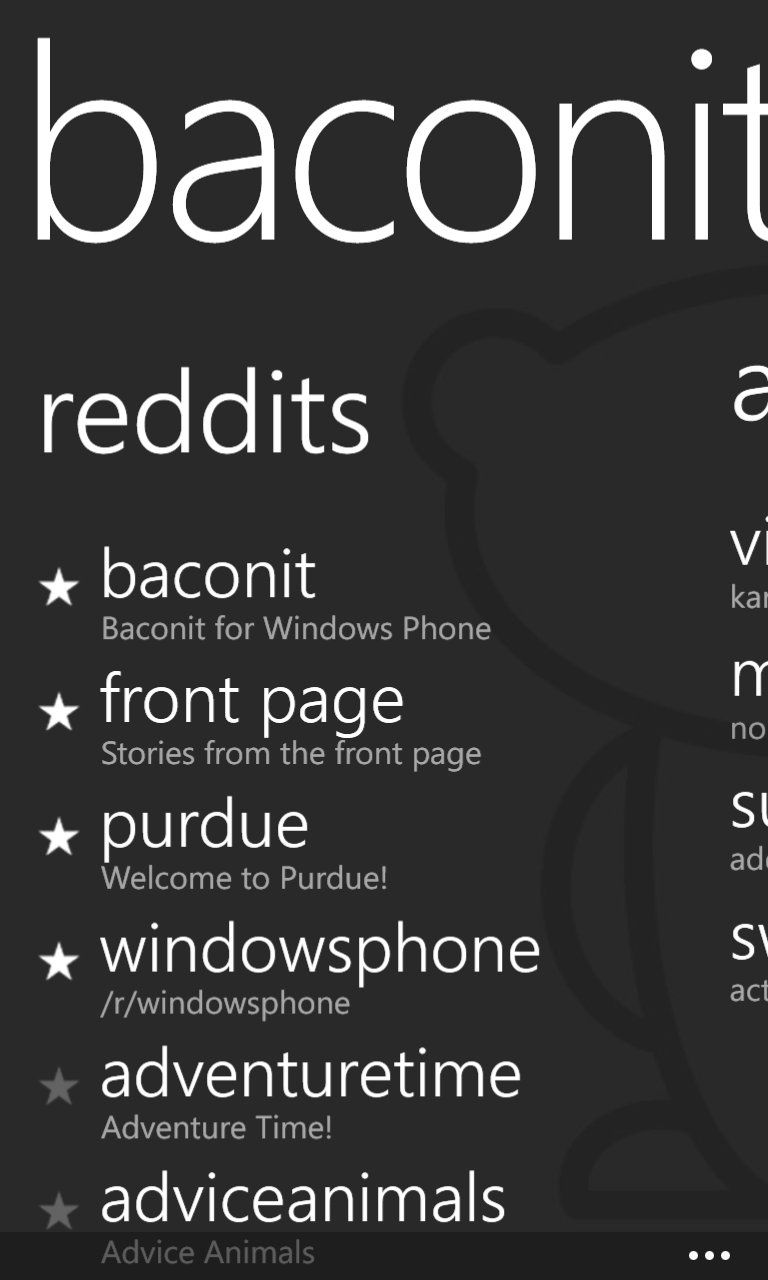
The backup also had a complete 768 × 1280 set in the 2.5 folder. Red accents run through the front page, comments, profile, and live tiles, while Flip View shows a bird wallpaper and a Windows 8 news article. This is a different promotional set from the smaller 2.5 store gallery below, so I've kept both.
Screenshots & logos through the years
Images
Alongside my original project images, some of the sets below came from old Windows Phone Marketplace listings; the Marketplace archive and capture history has the details. They're labeled the way the store listed them, and the small store thumbnails are shown at their original size. The two galleries above are the extra originals from my local backup.
App Logos


1.0 Screenshots


1.6–1.7 Screenshots
From the store listings saved February 11 and March 2, 2012. These only survived as tiny 90 × 150 thumbnails.

1.9 Screenshots
From the store listings saved April 4 and April 20, 2012, also as 90 × 150 thumbnails.
2.0 Screenshots


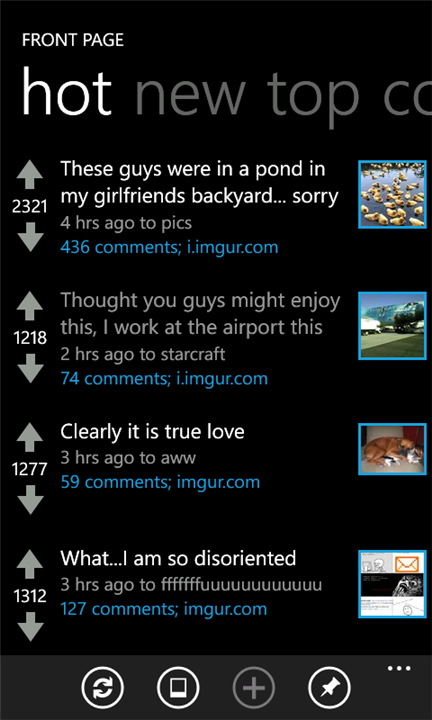
The last image comes from the 2.0.0.0, 2.1.0.0, and 2.2.0.0 Marketplace listings, saved May 6, June 8, and July 9, 2012. It's 432 × 720 pixels, and it's the only one of that listing’s eight screenshots that survived.
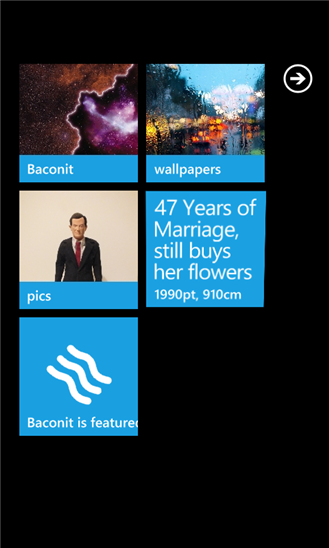
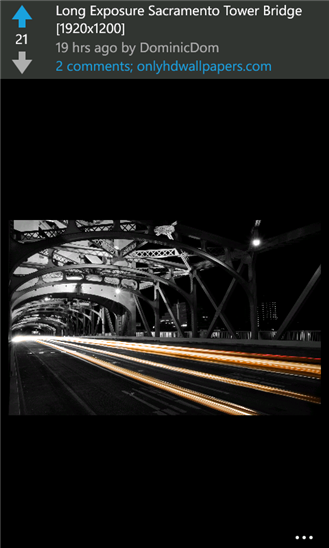
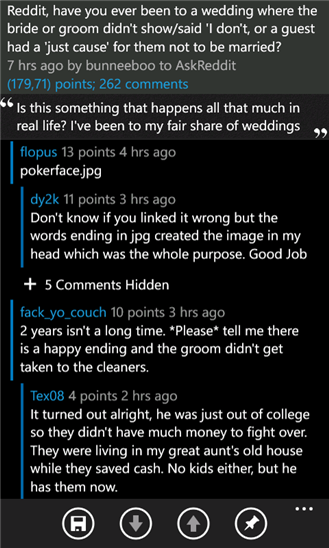
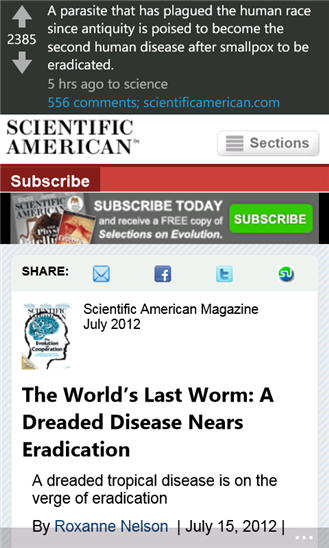
2.4.1 Screenshots
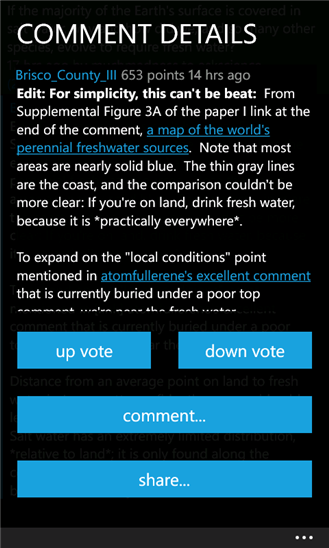
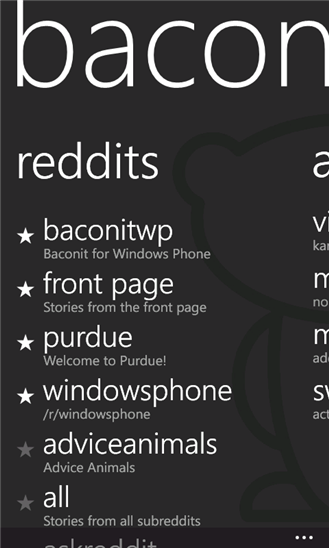
From the store listing saved November 24, 2012, at 329 × 548 pixels. The image files themselves were saved on October 13, 2015, so they might include changes made after that first listing.
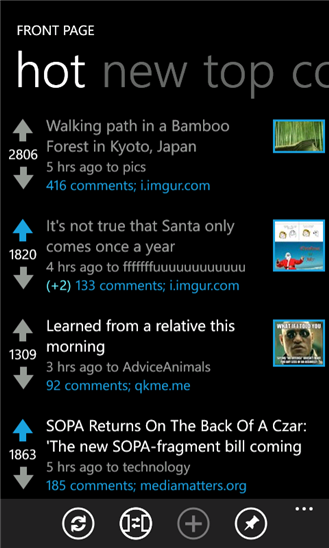
2.5 Screenshots
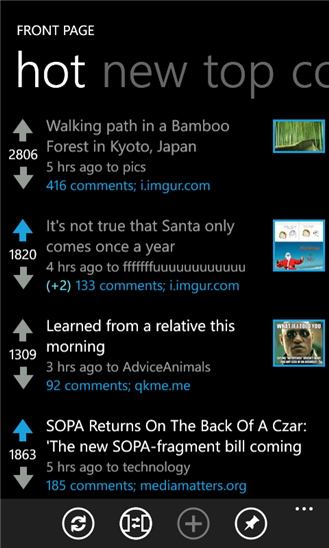
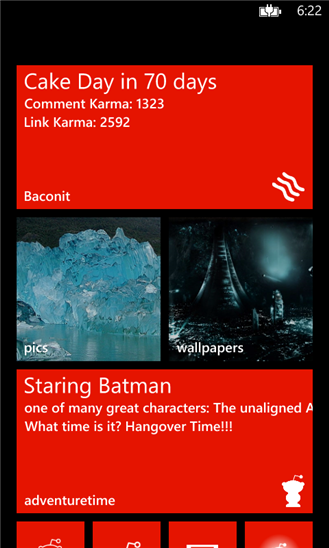
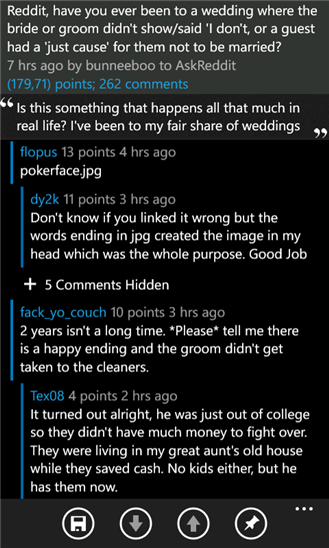
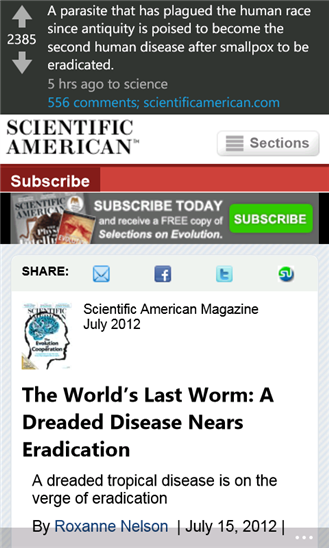
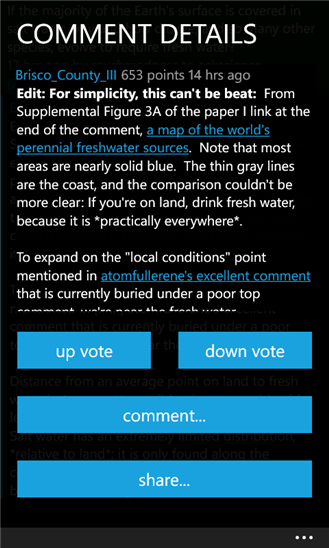
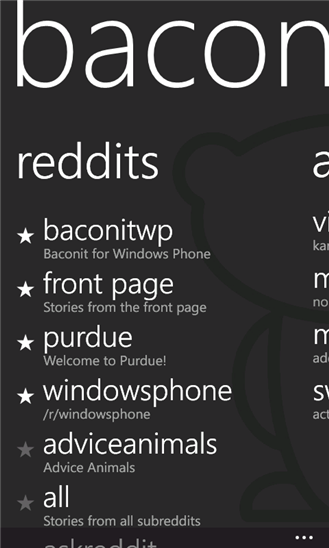
From store listings saved December 11, 2012, June 6, 2013, April 26, 2014, and July 6, 2015. The listings for 2.5.0.0, 2.6.4.2, 3.0.0.215, and 3.0.1.0 all used the same screenshots. Seven of them match the 2.4.1.0 set, but the Start screen now shows red, wide live tiles. The later listings kept using these older promotional screenshots, which were saved on January 21, 2013, at 329 × 548 pixels.
3.0 Screenshots


4.0 Screenshots


More coverage & source notes
Further Reading & Media
Coverage, reviews, demos, and historical records from the Windows Phone, Windows 10, and Xbox releases. Links go to the original publishers or to archived copies.
Features & Reviews
- Review: Baconit (Reddit Client) — All About Windows Phone, February 7, 2012. Ewan Spence's review of version 1.5 awards 90% and includes ten early screenshots.
- Microsoft's Windows Phone student developers: building an ecosystem — The Verge, March 29, 2012. Tom Warren's feature includes an interview with Quinn, a portrait, and the story behind Baconit.
- Skydiving enthusiast takes Lumia 800 to Mt. Everest — Windows Central, May 22, 2012. Photographs and a travel account of Baconit being used on a Lumia 800 at Everest Base Camp.
- Baconit pays homage to the Blue Screen of Death for its WP8 April Fool's — PhoneArena, March 31, 2013. Coverage of the simulated shutdown and boot failure prank.
- Baconit — Spare Time Code, February 9, 2016. A developer's assessment of the open-source code becomes a reflection on shipping useful software.
- Hands on with Baconit for Xbox One, one of Windows 10's best Reddit apps — Windows Central, July 30, 2016. A console hands-on with images, video, and discussion of the shared Windows codebase.
- Baconit For Windows — Softpedia, updated May 4, 2018; original publication date unknown. An editorial review of version 4.9.1.0 with an eighteen-image screenshot gallery.
News & Updates
- Reddit app Baconit now available internationally — Windows Central, January 1, 2012. Early coverage of availability outside the United States.
- Microsoft crowns the winners of the "Big App on Campus" contest — PhoneArena, March 23, 2012. Reports on Baconit's People's Choice award and the finalists' trip to SXSW.
- Microsoft reveals winners of Windows Phone student app contest — Neowin, March 23, 2012. More contest coverage. The text shows up in search results, but I haven't been able to open the article directly.
- BaconSync Beta for Baconit (try saying it five times fast) in the works — Windows Central, June 28, 2012. Introduces browser-to-phone synchronization and send-to-phone features.
- Reddit app Baconit updated to version 2.5 for Windows Phone — Neowin, November 29, 2012. Covers Windows Phone 8 support, Live Tiles, lockscreen integration, NFC, and HD images.
- Windows Phone 8 apps: BaconIt, Nokia Maps and PhotoBeamer — MobileSyrup, November 30, 2012. Discusses the version 2.5 release. The text shows up in search results, but I haven't been able to open the article directly.
- Baconit updated to version 3.0, introduces new start experience and more — Windows Central, April 22, 2014. Screenshots of the redesigned start experience and coverage of the Early Access edition.
- Baconit recieves major update, taking the Reddit client to version 3 — All About Windows Phone, April 22, 2014. Four screenshots accompany a discussion of the free, donation, and Early Access editions.
- Popular Third-party Reddit Client 'Baconit' For Windows Phone Receives A Big Update — OnMSFT, April 22, 2014. Additional coverage of version 3.0.0.208.
- Big Baconit update brings ability to submit posts to any subreddit and much more — Windows Central, December 7, 2015. Version 4.2 release coverage.
- Baconit nabs User Profiles, Sorting and more in latest update — Windows Central, December 24, 2015. Covers profiles, sorting, and Microsoft Band wallpaper support in version 4.3.
- Big Baconit 4.6.5 update brings many changes to memory usage and design — Windows Central, January 12, 2016. Performance and interface changes in version 4.6.5.
- Baconit snags big editing improvements in latest update — Windows Central, January 14, 2016. Covers editing improvements and accompanying fixes.
- 3rd Party Reddit app wars continue on Windows 10 as Baconit grabs another hefty update — OnMSFT, January 14, 2016. Another account of the editing update.
- Baconit snags a new minor update in Windows Store — NokiaPowerUser, January 26, 2016. A minor-release report I found through search, though I haven't been able to open the page directly.
- Baconit, the highly-rated Reddit reader, gets updated with a list of fixes — OnMSFT, June 30, 2016. A maintenance-update report I found through search, though I haven't been able to open the page directly.
- Baconit, third-party Reddit client, arrives on Xbox for Preview members — OnMSFT, July 29, 2016. Xbox launch coverage based on Quinn's announcement.
App Roundups & Personal Impressions
- What's up with Windows Phone 7's networking performance? — OSnews, May 2, 2012. A positive Baconit mention within a broader platform critique (I confirmed the text through search results).
- The 25 Best Smartphone Apps Developed By Students — Getting Smart, June 6, 2012. Baconit appears at number 19 in this syndicated roundup.
- Best Lumia apps - what's in the Spotlight? — Microsoft Devices Blog, November 2, 2012. Features Baconit with an app image and an embedded walkthrough by Quinn.
- The 50 Best Apps of 2012 — Complex, December 11, 2012. Baconit ranks 35th.
- 30 days with Windows Phone 8 — Perspective from an admitted iOS addict — The Next Web, December 22, 2012. Baconit appears among the writer's everyday apps (I confirmed the text through search results).
- Ewan's Windows Phone live tiles layout and applications — All About Windows Phone, January 28, 2013. Ewan Spence discusses Baconit within a tour of his own phone and app collection.
- How does the Windows Phone 8 Kool-Aid Taste? — SPK and Associates, March 5, 2013. A phone review highlights Baconit's interface and animations.
- March Apps Madness 2013 – news and entertainment apps — Microsoft Devices Blog, March 25, 2013. Includes Baconit in an app bracket with an image. The text shows up in search results, but I haven't been able to open the page directly.
- Digixav Awards 2013 — Digixav, January 1, 2014. Baconit is writer Rowan's individual Windows Phone app selection, rather than the site's overall winner.
- Best social apps for your Windows Phone — BetaNews, January 13, 2014; updated February 4, 2016. A dedicated Reddit section recommends Baconit and compares it with Readit.
- 10 Windows Phone apps for Design inspiration — Super Dev Resources, March 20, 2014; updated October 30, 2020. Selects Baconit as an interface design example and includes a screenshot.
- 4 Days With Windows Phone 8.1 — Bryan Siegel, April 20, 2014. A personal account praises swiping between Reddit posts (I confirmed the text through search results).
- 50 best apps for Windows Phone — Microsoft Devices Blog, October 8, 2014. Includes a dedicated Baconit entry in an official app roundup.
- Best Windows apps this week — BetaNews, November 20, 2015; updated February 4, 2016. The 155th installment selects Baconit as App of the Week and includes a screenshot.
International Coverage
- "Big App on Campus": 4 aplicaciones desarrolladas por estudiantes — Microsoft Windows Blog for Latin America, March 30, 2012, in Spanish. A translated contest report includes Quinn's answers about favorite apps and development advice.
- WP7 生态系统下的主力开发者:学生? — ifanr, April 8, 2012, in Chinese. A feature based on The Verge's reporting includes a dedicated section on Quinn and Baconit.
- REVIEW HTC Windows Phone 8S, un „Prâslea“ mai ieftin şi cu o baterie la fel de slabă ca fratele mai mare — Adevărul, February 11, 2013, in Romanian. A hardware review discusses Baconit's interface, subreddit discovery, and in-app browsing.
- Baconit y Adobe Creative Cloud se preparan para el lanzamiento de Windows 10 — Xataka Windows, July 28, 2015, in Spanish. Covers the universal rewrite and plans to release the source code.
- Лучшие программы недели для Windows Phone от 22.11.2015 — Trashbox.ru, November 23, 2015, in Russian. Baconit is one of five weekly app selections; the November 22 date in the title identifies the roundup.
- Die besten Apps für Windows 10 Mobile — WindowsArea.de, August 26, 2018, in German. A dedicated section discusses Baconit's performance, navigation, and interface.
Videos & Audio
- Lumiappaday #48: Baconit demoed on the Nokia Lumia 800 — My Nokia Blog, January 1, 2012. An early hands-on demonstration, 3:13.
- Hot Apps: Civilization Revolution, Baconit, Symmetry, Wikitude, Falling Birds — Channel 9 / Hot Apps, May 2012. An iVoox listing for Laura Foy's episode featuring Baconit.
- Podcast #21: CeBIT & Co. — smartphone7, March 10, 2013, in German. Tobias selects Baconit in this 26:38 episode.
- Ireland Windows Apps of the Week April 28th — WindowsAppsIreland, April 28, 2014. Baconit appears in a short weekly app showcase, 0:56.
- Top 5 Continuum Apps Worth Checking Out! — MSPoweruser, April 5, 2016. Includes Baconit among the recommended Continuum apps, 3:32.
- Hands On: Browsing Reddit with Baconit for Xbox One — Windows Central, July 29, 2016. Console hands-on footage, 3:54.
- Baconit beta Reddit XBOX ONE UWP App Latest Preview — keepitwarm, July 29, 2016. Another demonstration of the Xbox version, 4:04.
- Free UWP APP: Baconit — XboxIssues, September 20, 2016. Console app footage, 3:26.
- Baconit fan explainer — Mike Ottenhoff, November 23, 2016. A fan-made explanation with original audio, 2:19.
Historical Images
- Quinn Damerell portrait — The Verge, March 29, 2012. The photograph accompanying the feature on student Windows Phone developers.

Original Announcements & Community Continuations
- Baconit — A Metro Reddit App — Quinn / quinbd, Windows Central forum, January 13, 2012. Early feature list and reader feedback.
- Free Reddit App — Quinn / quinbd, Windows Central forum, January 13, 2012. Separate early introduction with a reader response.
- Baconit 1.5 is now live — Quinn / quinbd, r/wp7, February 2012. Release discussion with requests and Quinn's replies about version 1.6; includes the discussion of the free and donation editions.
- Free app: Baconit — A Metro Reddit App — Quinn / quinbd, Windows Central forum, February 14, 2012. Version 1.6 feature list and an early milestone of more than 12,000 downloads.
- Dev of Baconit looking for feedback — Quinn / quinbd, Windows Central forum, April 5, 2012. Feedback request while preparing version 2.0.
- Baconit Update 4.7 — The Editing Update — Quinn / quinbd, r/baconit, January 2016. Original changelog, explanation of adaptive Markdown preview timing, and user reports.
- Baconit Extended — NLogDEV, Live Store. A community continuation of the Windows Phone app, listed since May 2025, with gallery/video improvements, screenshots, and user reviews. This is a later developer's version, separate from Quinn's original releases.
Archive Leads
- Hot Apps episode: archived WMV — Channel 9, May 2012; Internet Archive capture dated February 7, 2022. A capture of the episode's original video file was located; playback remains unverified.
- Sample magazine PDF — App Developer Magazine, issue date unknown. According to search results, it lists Baconit – Donate at number 5 among paid Windows apps. I haven't been able to confirm the page number or issue date, or open the PDF directly.